Moving In
Spring Move-In
WELCOME TO USF!
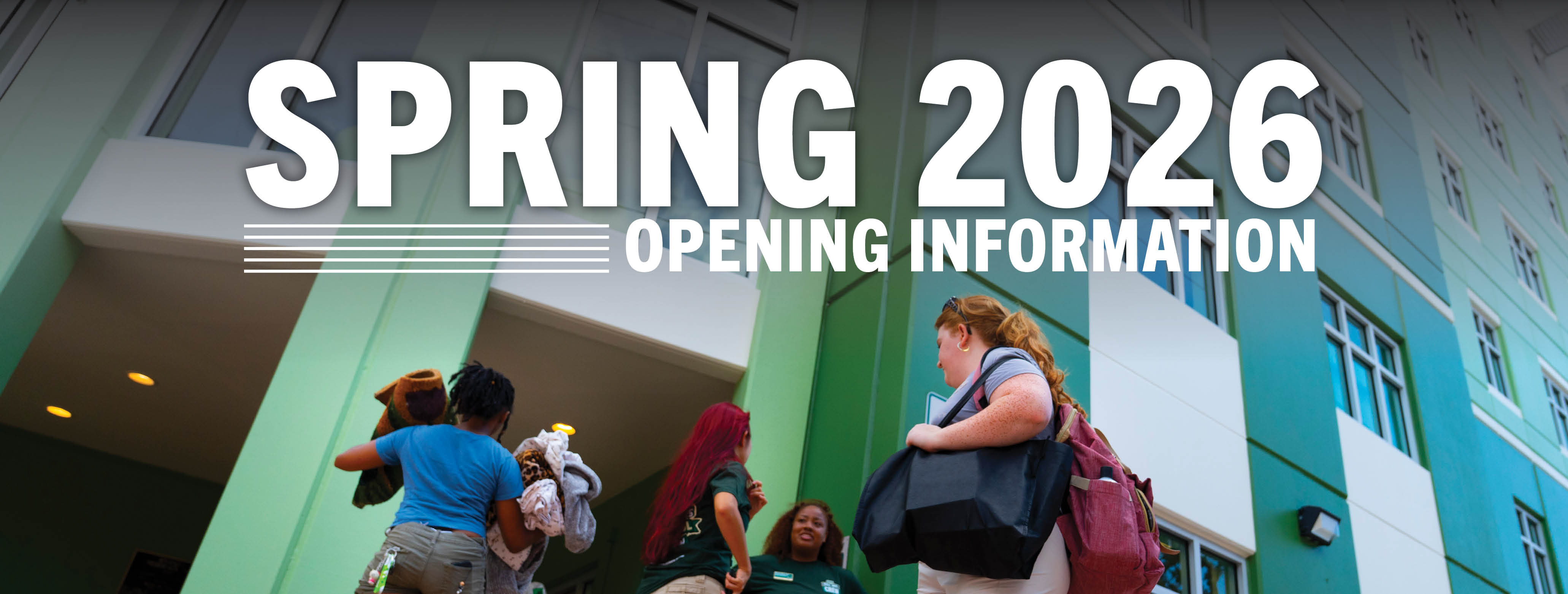
We can't wait for you to join us on campus where it is the Best place to Live, the Best place to Work, and the Best place to Learn. Spring opening is right around the corner on Friday, January 9, 2026.
Steps for Spring Arrival (New Students)
1. Order/Bring your USF ID Card
Residents MUST have their USF ID Card to check-in for housing.
New Students
New students should request their initial USFCard through MyBullsPath, or directly at the USFCard Request Site. Your Student Self-Service account will be charged $10 for your initial ID card.
Please e-mail the USF ID Card office with any questions.
Picking Up Your USF ID Card
If you are signed up to arrive BEFORE the January 9 Orientation, you will pick up
your USF ID Card from the USFCard Center.
If you are not signed up to check-in before Orientation on January 9, you will pick up your USF ID Card during your in-person Orientation session or at the USFCard Center.
For more information, please contact the USFCard Center:
Location: Bayboro Hall BAY 132
Hours: Monday - Friday: 8 a.m. - 5 p.m.
Email: idcard@usf.edu
Phone: (727) 873-4408
2. Check in
Please review the below check-in location for new students arriving to campus:
- January 9:
- Osprey Suites: 9 a.m. - 7 p.m.
- Students will check in on the first floor of Osprey Suites regardless of the building they are assigned to.
- Osprey Suites: 9 a.m. - 7 p.m.
Steps for Spring Arrival (Returning Students)
1. Bring your USF ID Card & Keys!
Returning Students
Returning students, please remember your room keys and USF ID. If you need a card
replacement, you will need to request a replacement for an existing card on the USFCard Request Site. Your Student Self-Service account will be charged $15 for your replacement ID card.
Picking Up a Replacement USF ID Card
USF ID Cards can be picked up at the USFCard Center:
Location: Bayboro Hall BAY 132
Hours: Monday - Friday: 8 a.m. - 5 p.m.
Email: idcard@usf.edu
Phone: (727) 873-4408
2. Move in!
Returning students will have access back into their rooms beginning at 9 a.m. on Friday, January 9, 2026. We recommend bringing your own cart if you need one to move your items back into your room.
Check this page often for updates and let us know if you need any assistance!
WHAT IF I CAN'T ARRIVE DURING SPRING OPENING?
If you are arriving before January 9, you must be pre-approved for early arrival (see section below). If you are delayed or planning to arrive after January 12 at noon, please e-mail housing as soon as you are aware of your delay.
PARKING INFORMATION: DURING MOVE-IN
General
- Parking regulations are in place and enforced on the USF St Petersburg campus 24 hours a day, 7 days a week. Please review the Parking Rules & Regulations.
- Please do not park in the unloading zones longer than 30 minutes. Our team will help direct you to a nearby parking lot.
- Please do not park in any "Disabled Parking" space unless displaying a proper state-issued Disabled Parking placard, hangtag, or license plate.
- Please do not park in Numbered, Reserved, or Labeled parking spaces.
Residents
- Make sure to purchase your "R" parking permit in advance. Please note: Parking and Transportation Services has transitioned to virtual parking permits.
- With no physical permit, you can easily purchase your virtual parking permit online!
- There are no additional processing fees when purchasing your permit online.
- Once complete, the license plate and vehicle you associate with your purchase will have immediate access to your parking privileges.
- Click here to learn more and purchase your virtual parking permit.
Parking Information: After You Move In
- Parking permits are required to park on the USF Tampa campus 24 hours per day, 7 day per week.
- Only residents with "R" permits are allowed to park in "R" lots.
- After 5:30 p.m. and on weekends, resident students with R permits may park in E, S, GZ, Y, or D designated areas. Park-n-Ride (Y) permits are required to park in "Y" designated lots from 7 a.m. to 9 p.m., Monday through Thursday, and 7 a.m. to 5:30 p.m. on Friday.
DINING INFORMATION
How do I sign up for a meal plan?
You can chose your meal plan through your housing application or by visiting the USF Dining website and signing up online. You can upgrade your meal plan at any time during the semester
by visiting our website and signing up for the higher meal plan. To downgrade, students
must visit The Meal Plan Office during the first week of classes each semester to
determine if you are eligible.
How do I pay for a meal plan?
Once a meal plan is selected, your plan will be billed to your student Student Self-Service
account. Your meal plan payment is due the same time your tuition payment is due.
Will my financial aid cover the cost of the meal plan?
Because all meal plans are billed to your student Student Self-Service account, if
you are receiving any scholarships, loans, grants, etc., these funds may help cover
part of your meal plan charge. Financial Aid will apply to tuition/fees, housing and
THEN meal plan charges. Funds remaining after tuition, fees, and housing have been
paid will apply to the meal plan charge.
Where is the best place to learn more about dining?
Visit the USF Dining website to learn about all the benefits that come with having a meal plan on campus! You
can also review the terms and conditions in the “meal plans” section. If you have
additional questions, please contact Dining Services at 813-974-4499, via email at
campusdining@usf.edu.
RESIDENTIAL MAIL
Your mailbox information is visible on the same screen as your housing assignment in the Housing Portal. If you would like to ship anything prior to move-in, please wait until January 7, 2025. All packages can be picked up in your area's Mail Center (USC or Osprey Suites).
Mail Room Hours
Monday-Friday: 10 a.m. - 7 p.m.
Saturday: Noon - 3 p.m.
ACCOMMODATIONS
USF is an Equal Opportunity/Equal Access Institution. If you would like to request an accommodation for move-in, we ask that you contact our office at 727-873-5101 or stp-housing@usf.edu five days before your arrival.
MOVE-IN CHECKLIST
- Know your housing assignment.
Log in to the Housing Portal, select "My Account," then "My Assignments," then “View Assignments, Roommates, and Suitemates” to view your fall/spring housing assignment. This is also where your roommates/suite-mates/apartment-mates are listed. If you don't have an assignment, contact us for assistance. - Request your USFCard online (new students only)
You must have your USF ID Card with you to check-in for housing. Please follow the instructions listed here to order your USF ID Card as soon as possible. - Pack efficiently!
Review the move-in checklist on our website for a packing list! - Connect with your roommates, suite-mates, or apartment-mates.
Communicate and coordinate what you will bring to campus. Things like printers, microwaves, refrigerators, and TVs can be shared! - Choose the height of your bed.
Submit an online request for your desired bed height before you arrive. Lofting assistance may be delayed after the rooms are occupied. Click here to learn more. - Check your insurance.
Please review your student housing agreement regarding loss liability. Look into your homeowner's/renter's insurance to see if it covers your belongings on campus.